How to Use Smart Board in Classroom?
Technology is transforming education by creating more interactive, engaging, and flexible learning environments. Traditional teaching methods are gradually evolving with the introduction of advanced digital tools, and the smart board in classroom has become one of the most valuable solutions for modern educators.
A smart board, also known as an interactive whiteboard or interactive flat panel, allows teachers and students to interact with digital content through touch technology. It combines teaching tools, multimedia resources, and collaboration features into one powerful classroom solution.
As a professional smart board supplier, Arotouch provides interactive display solutions designed to help schools create smarter and more effective learning environments.
What Is a Smart Board for Classroom Teaching?
A smart board is a large interactive touchscreen display that allows teachers to present lessons, write notes, display videos, access online resources, and interact with educational applications.
Unlike traditional blackboards or projectors, smart boards provide a digital learning platform where teachers can combine different types of content, including text, images, animations, videos, and interactive exercises.
With multi-touch technology, multiple students can participate in classroom activities at the same time, creating a more collaborative learning experience.
Why Are Smart Boards Important in Modern Classrooms?
Today’s students grow up surrounded by digital technology. Schools need teaching tools that match modern learning habits and encourage active participation.
A smart board helps teachers move from one-way instruction to interactive teaching. Instead of only listening and watching, students can directly participate in lessons, solve problems, and explore learning materials.
This creates a more engaging classroom environment and improves communication between teachers and students.
How to Use a Smart Board in Classroom?
1. Deliver Interactive Multimedia Lessons
One of the most common uses of a smart board is displaying multimedia teaching content.
Teachers can combine videos, presentations, images, animations, and online resources to make lessons more visual and easier to understand.
For example, science teachers can display virtual experiments, language teachers can use interactive exercises, and geography teachers can explore digital maps directly on the screen.
By presenting information in different formats, smart boards help students understand complex concepts more effectively.
2. Create Interactive Learning Activities
Smart boards allow teachers to design activities where students actively participate instead of passively receiving information.
Teachers can use touchscreen functions for:
- Interactive quizzes
- Problem-solving activities
- Digital handwriting exercises
- Group discussions
- Student presentations
These activities encourage teamwork, creativity, and critical thinking skills.
3. Improve Teaching Efficiency
A smart board can significantly reduce the preparation time required for teachers.
Instead of preparing physical materials, teachers can save lesson plans, access digital resources, and reuse educational content whenever needed.
Built-in software and cloud-based tools also allow teachers to organize lessons more efficiently.

4. Support Different Learning Styles
Every student learns differently. Some students understand concepts better through visual materials, while others prefer hands-on interaction.
Smart boards support different teaching approaches by combining visual, audio, and interactive learning methods.
Teachers can customize lessons according to different student needs, creating a more inclusive classroom environment.
5. Encourage Student Collaboration
Collaboration is an important part of modern education. Smart boards allow multiple students to interact with the screen at the same time.
Students can work together on projects, complete digital exercises, and share ideas directly on the interactive display.
This collaborative approach helps develop communication skills and teamwork abilities.
Practical Steps for Using a Smart Board in Classroom
Step 1: Prepare the Smart Board
Before starting a lesson, teachers should make sure the smart board is properly connected and ready for use.
- Turn on the interactive display
- Check the internet connection
- Open teaching software or required applications
- Prepare digital lesson materials
Step 2: Start an Interactive Lesson
Teachers can begin lessons by displaying learning materials directly on the smart board.
During teaching, teachers can write notes, highlight important information, draw diagrams, and interact with digital content in real time.
Step 3: Engage Students Through Touch Interaction
The touchscreen feature allows students to participate directly.
Teachers can invite students to answer questions, complete activities, or present their ideas using the smart board.
Step 4: Save and Share Learning Materials
Modern smart boards allow teachers to save notes and lesson content digitally.
Saved materials can be shared with students after class, helping them review lessons and continue learning.
Advanced Features of Smart Boards for Education
Digital Whiteboard Software
Most smart boards include digital whiteboard functions that allow teachers to write, draw, erase, and organize information digitally.
These tools replace traditional teaching materials and provide a cleaner and more flexible teaching experience.
Screen Sharing and Wireless Collaboration
Smart boards can connect with laptops, tablets, and other devices through wireless screen sharing.
Teachers and students can share content quickly, making classroom communication more efficient.
Remote Learning Support
Smart boards also support hybrid and remote learning environments.
With video conferencing and online collaboration features, teachers can connect with students both inside and outside the classroom.
Benefits of Using Smart Boards in Classroom
- More Engaging Lessons: Interactive content helps capture students’ attention.
- Better Collaboration: Students can participate and work together.
- Higher Teaching Efficiency: Digital tools simplify lesson preparation.
- Flexible Learning: Supports both classroom and remote education.
- Modern Learning Environment: Helps schools build smart classrooms.
Why Choose Arotouch Smart Board Solutions?
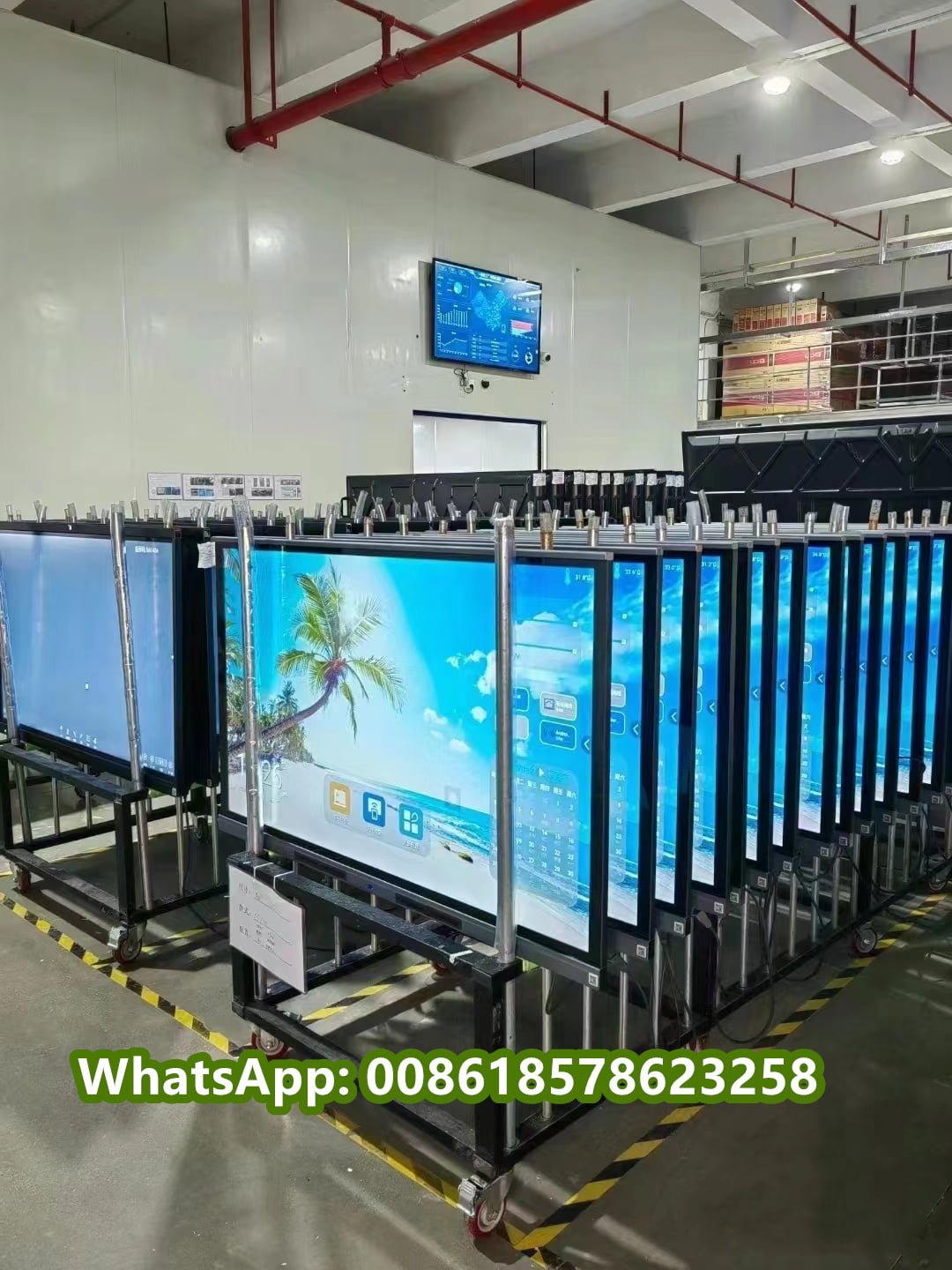
Arotouch is a professional manufacturer specializing in smart boards, interactive flat panels, and digital classroom solutions.
With advanced touchscreen technology, reliable hardware, and customizable options, Arotouch helps schools, educational institutions, and global partners create modern learning environments.
Arotouch provides:
- Interactive flat panel displays
- Smart classroom solutions
- OEM and ODM services
- Customized display solutions
- Professional technical support
Conclusion
A smart board is more than a digital replacement for a traditional blackboard. It is a powerful teaching tool that improves interaction, collaboration, and learning efficiency.
By using smart boards effectively, teachers can create more engaging lessons and provide students with a modern learning experience.
As a trusted smart board supplier, Arotouch continues to provide innovative interactive display solutions that support the future of education.